
The Complete Guide To Smart Object Techniques
Smart Objects are a Photoshop tool that can open new possibilities in your workflow. Many of us have heard of them and used them. However, they can do sophisticated image adjustments that have gone untapped by even the most experienced Photoshop users. Existing tutorials on Smart Objects usually focus on graphic design or portrait photography. This is a complete course on Smart Object
techniques specifically for landscape photographers.
While the course focuses on smart objects, it is actually much more comprehensive. The techniques demonstrated will take you into parts of Photoshop you never knew existed and then show you how to do things you never imagined. Transformations, noise reduction, cloning, working with filters, using the Filter Gallery, exposure-blending, texture and clarity blending, printing, cloud-sculpting, split-toning, and using exaggerated Camera Raw effects are just some of the new skills you'll learn in this course.
Other topics include:
- Non-destructive workflow – Avoid destructively flattening or merging Photoshop layers.
- Turning destructive Photoshop filters and third-party filters (Nik, Topaz, Luminar) into non-destructive smart filters.
- Making Lightroom/Camera Raw adjustments in Photoshop. Control them with Photoshop selections and masks including luminosity masks.
- Simple and flawless exposure blending - Trees against the sky, forest spotlight and architectural interiors.
- Access to raw image information throughout the entire Photoshop workflow.
- Maximum control over split toning.
- Healing and cloning that does not interfere with multiple layers and luminosity masks.
- Ways to transform, scale and warp images non-destructively.
- Adjusting image perspective without flattening layers or masks.
- Using raw adjustments to sculpt light and color on separate layers in Photoshop.
- Making LAB color adjustments in RGB image.
This course is intended for Intermediate to Advanced Photoshop users.
In this course, I use Photoshop CC and the TK7 Panel.
NOTE: The TK Panel is not included with this tutorial. You can also get the TK Panel on the Tutorials & Panels page and save using the two-item code: OEPcombo10.
"I've started Sean's class and, all of a sudden, those mysterious things that have happened when I've used Smart Objects are clearer! He did a great job on this tutorial. Just realizing the various ways the different types of Smart Objects work will make them so much more useful."
- Jody Ellis
What this course covers:
- What are Smart Objects?
- How to create Smart Objects.
- Drawbacks of Smart Objects.
- Different types of Smart Objects.
- Smart Object workflow ideas.
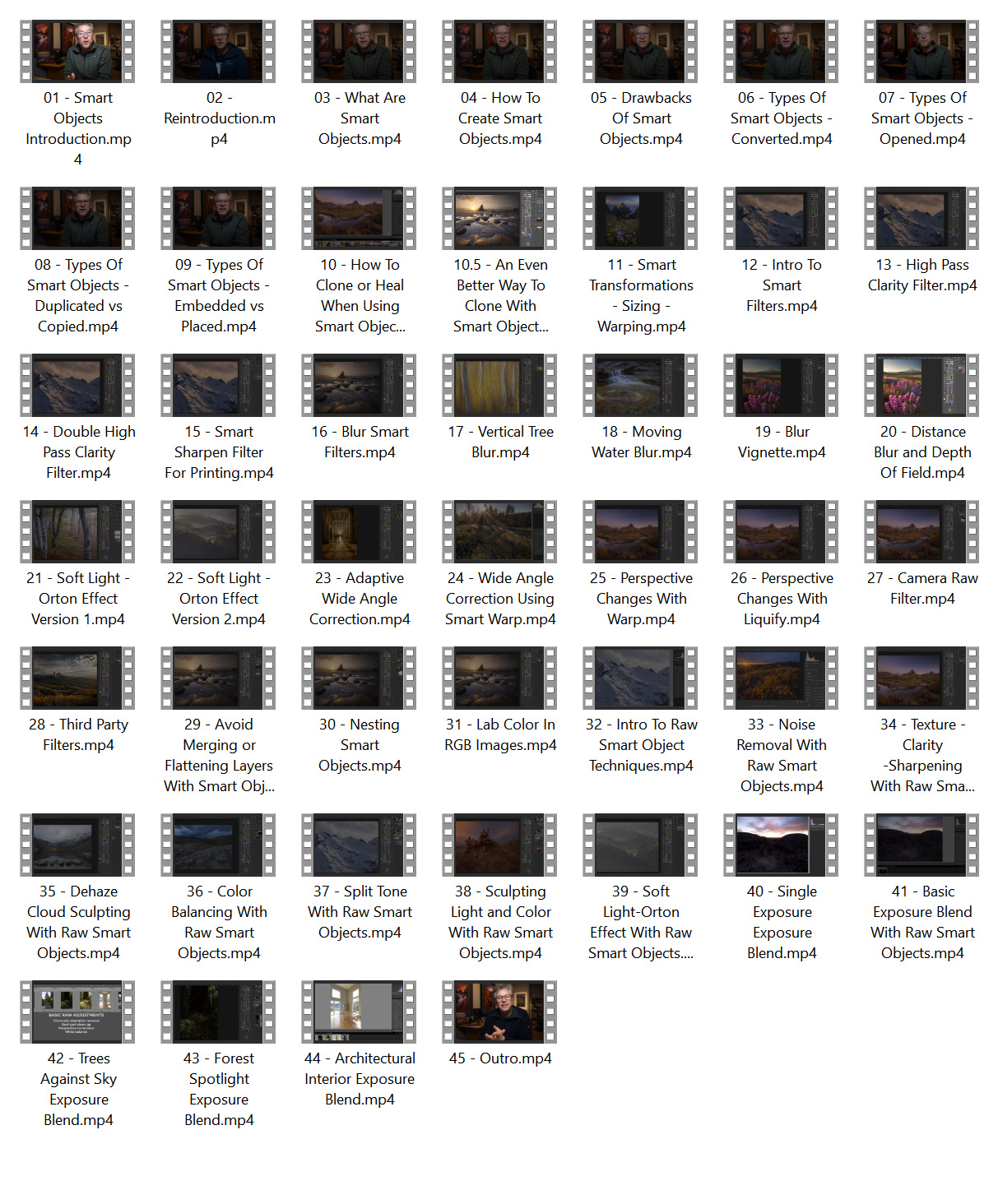
- 36 chapters on specific Smart Objects techniques including:
- Powerful exposure-blending techniques
- High pass clarity
- Creative blurs
- Soft light blurs - Orton effects
- Raw color balancing
- Print sharpening
- Raw noise reduction
- Dehaze cloud sculpting
- Raw light sculpting
- Raw texture and clarity
- And much more...
Includes:
- 46 video chapters
- Nearly 6 hours of instruction
- Single topic chapters for quick and easy reference
- Practice images
- Supplemental resources and tutorials
- MP4 video format
- 1920 x 1080 HD video resolution
sample chapters
contents