

Photoshop Essentials For Outdoor Photographers
Everything an outdoor photographer needs to master Photoshop CC.
Finally, a complete course on Photoshop made specifically for landscape and nature photographers that covers set-up, essential tools, adjustments and functions as well as workflow and output.
"Sean Bagshaw has released another excellent video series: Photoshop Essentials for Outdoor Photographers."
- Tony Kuyper. Read Tony's full review Here.
"This course is not only for those new to Photoshop but also helpful if you have had quite a bit of Photoshop experience but not a comprehensive introduction to the program."
- Hale Kell
"I am a seasoned professional photographer of more than 30 years and have used photoshop from way back in the early days of digital photography. And yet I always find inspiration and techniques that are new to me in your tutorials."
- Itamar Gat www.eyesoftheworld.net
This course is for people who:
- Are new to photography and want to jump right into Photoshop.
- Have used Photoshop but never got the hang of it.
- Completed my 10 Steps For Getting Started With Photoshop tutorial and are ready to keep going.
- Use other image editing software but want to move to Photoshop.
- Are Lightroom users who are ready to step up to Photoshop.
- Want to learn Photoshop to be able to apply advanced post-processing techniques such as exposure blending and focus stacking or advanced tools such as luminosity masks and the TK Panel.
- Already use Photoshop but want to learn more about it or fill in gaps in knowledge.
This is also the perfect course to prepare you to progress on to my more advanced tutorials, including Sean’s Favorite Photoshop Techniques series and Complete Workflow Series as well as tutorials from many other great photographers.
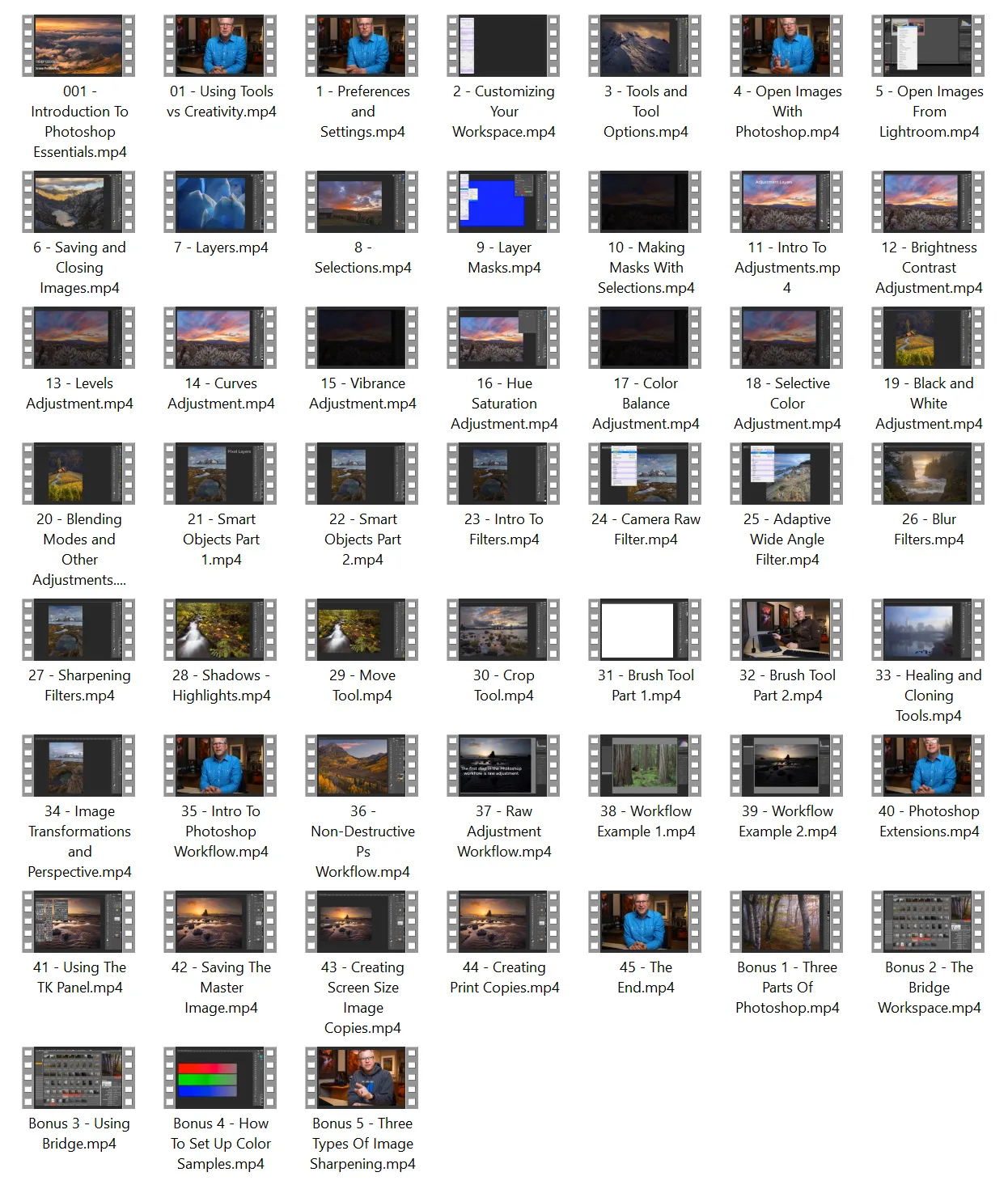
This is the most comprehensive tutorial I have created. Nearly nine hours of instruction are organized into more than 50 bite-sized chapters, each one covering a different essential topic and ending with suggestions for how to practice and review. You can watch the entire course from beginning to end or you can use it as a reference tool and go directly to specific chapters as you need them.
What this course covers:
- Preferences, settings, and customizing the workspace.
- Raw adjustments; opening, closing, and saving images; and integration with Lightroom.
- Image clean-up, basic exposure blending, and perspective transformation.
- Understanding layers, masks, and selections.
- Adjustment layers—Levels, Curves, Brightness/Contrast, Vibrance, Hue/Saturation, Color Balance, Selective Color, Black and White.
- Working with smart objects.
- Important tools—Move, Crop, Paintbrush, Healing Brush, Clone Stamp
- Useful filters—Camera Raw, Adaptive Wide Angle, Blur, Sharpening, Shadow/Highlights.
- Output options—For prints and for the web.
- An hour of start-to-finish workflow demonstrations using two different images.
Includes:
- 47 video chapters
- 5 bonus chapters
- Nearly 9 hours of instruction
- Review and practice guides for each chapter
- Practice images
- An extensive list of supplemental resources and tutorials
- MP4 video format
- 1920 x 1080 HD video resolution
"I'm a landscape amateur photographer and a complete beginner in PS. I always struggled to get a clear understanding of the tools that PS can offer but with your course, I can finally see some light at the end of the tunnel!"
- Luca Ceoloni, www.instagram.com/
"I have worked with Photoshop for a few years but what I realize after taking this course is that I never fully understood Photoshop. I would say there were a lot of gaps in my knowledge. Your course filled in many of those gaps. I hope photographers who are somewhat proficient with Photoshop don't miss out thinking this course is only for beginners. I can only imagine the work involved to make a tutorial like this – but I wanted you to know that you knocked this one out of the park!"
- Hale Kell
"I thought I had a reasonably good knowledge of how to adjust colors but this course disabused me of that notion! Congratulations on making the Selective Color Adjustments panel much more accessible. My entire approach towards color adjustments has changed and has hopefully improved considerably. When added to the TK 7 Panel’s color mask options photographers have an almost endless ability to affect color in a given image."
- Elliot Puritz
"I want to thank you for all you do and your commitment to being such a fabulous teacher. I love your style, your knowledge and that I am comfortable with your teaching style. Since first getting PS it has been a relationship that has needed much patience with my brain. I know it was a lot of work to get this project done but there are many who appreciate it!"
- Alana
sample chapters
contents