

One of the goals of my photography is to create images that have a sense of mystery and the surreal. Photography is so often based in pure realism, but I find that I am attracted to images that give a glimpse into fantasy or imaginary worlds. Many of my friend DAVID WINSTON’S photos have such a quality and I have also mentioned MICHAEL KENNA more than once. Although their subject matter is very different from my own, I am inspired by the photography of NICK BRANDT and GREGORY COLBERT.
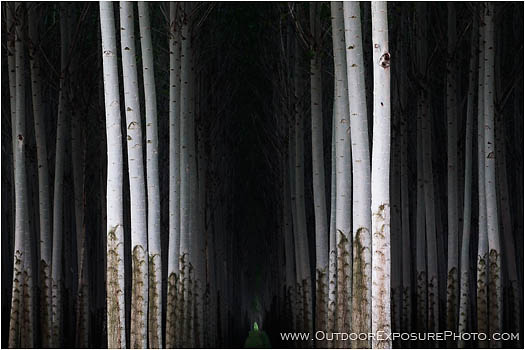
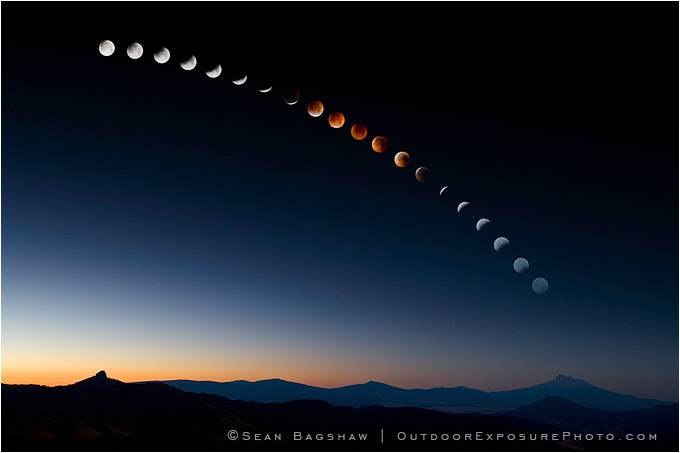
In my photography I am often trying to show familiar subjects and locations in a way that is familiar while at the same time mysterious and fantastical. Unique perspectives, purposeful composition, extreme weather, motion and magical lighting can often create something extraordinary in an ordinary setting, but such conditions are not always available. Recently I have been experimenting with some techniques, both in the camera and in the computer, that give me more options when trying to achieve something mysterious and stylized.
Three of the oak forest photos accompanying this article are from a series I call Griffin’s Dream. I used a slow shutter speed (about .4 seconds or more) and panned my camera vertically during the shot. This caused the trees and grass to blur into streaks of light and dark that look somewhat like brush strokes and help to remove fine details from the scene, leaving only the main elements of form and color.

In the right kind of light, panning, zooming and other camera motion effects can create a great final image. However, for the Griffin’s Dream series the light was very flat giving the scene low contrast and washed out colors, so I employed a second technique to arrive at the final interpretations. In order to increase saturation, contrast and dynamic range in the initially lifeless images I used different combinations of blending modes in Photoshop. Darkroom technicians first developed the practice of stacking transparencies or negatives in various ways to produce different effects, and similar effects can be achieved with blending modes in Photoshop. To use blending modes you start by creating one or more layers that are exact copies of your original image (Layer>Duplicate Layer). Then in the Layers Pallet select each layer in turn and change the blending mode in the drop down menu at the top of the pallet. The blending mode defaults to “Normal”, which means that no blending between layers is taking place. For low contrast images I find that a combination of Multiply, Overlay and Soft Light blends work the best, but you have to experiment and see what works for each image. I also individually control the degree of each blend using the Opacity slider on each layer. I think the final result is painterly, surreal and fantastical, more like an impressionistic painting or a forest vision from a child’s dream.
